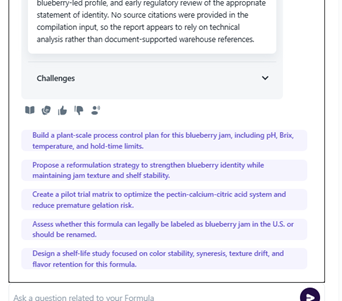
To run the Technical Challenges workflow, start by selecting an existing project or creating a new one. Make sure the project page is filled in before proceeding to create a formula.
Once your formula is complete, you will see a small graph icon next to the Optimized Formula button. Click the dropdown arrow beside the graph icon and select Analyze Technical Challenges.
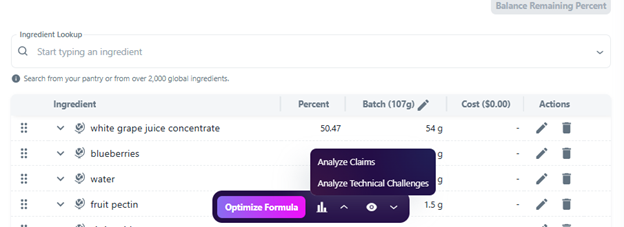
This will launch the Analyze Technical Challenges workflow in Sous. After the workflow finishes running, a window will appear displaying an executive summary. Below the summary, you will find a dropdown menu containing the potential technical challenges that may arise during production.
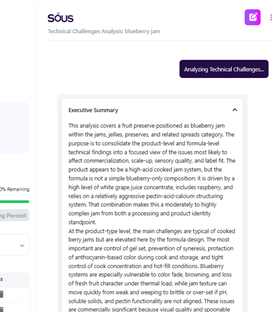
Expanding a challenge will reveal specific callouts, watch-outs, and considerations for commercialization and large-scale production of the product. These insights can help identify potential manufacturing risks and areas that may require additional attention before launch.