
Collaboration.
Cooperation is possible in CoDeveloper between users within the same tenant. It is important to note that collaboration is only possible within a tenant and it is not possible to share any information outside of the tenant it was created in.
In order to collaborate on a project start by going into the project you would like to share. From here you will be able to either share the project which will also share the formula iterations or you can go into a formula and share that specific formula instead.
In order to share a project you would go to the share button in the upper right-hand side of the page.
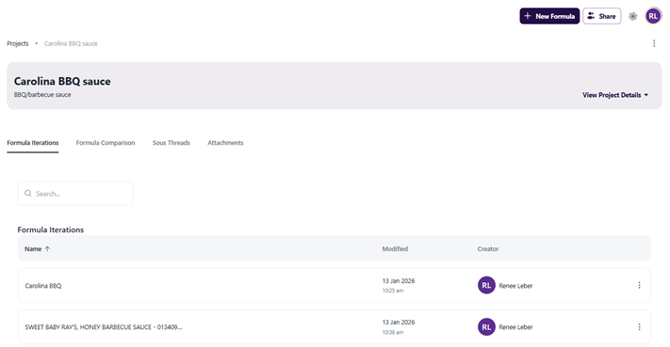
When you hit the share button there will be a space to add collaborators. In order to collaborate on the project enter the name of the person you wish to collaborate with into this space. The name will appear in a drop down menu and you will be able to click the name.
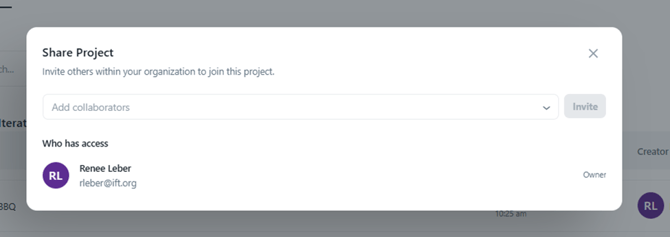
If you would like to share a formulation within a project and not the full project you will follow these same steps from the formulation page and not the project page.